

Welcome guests in your own style
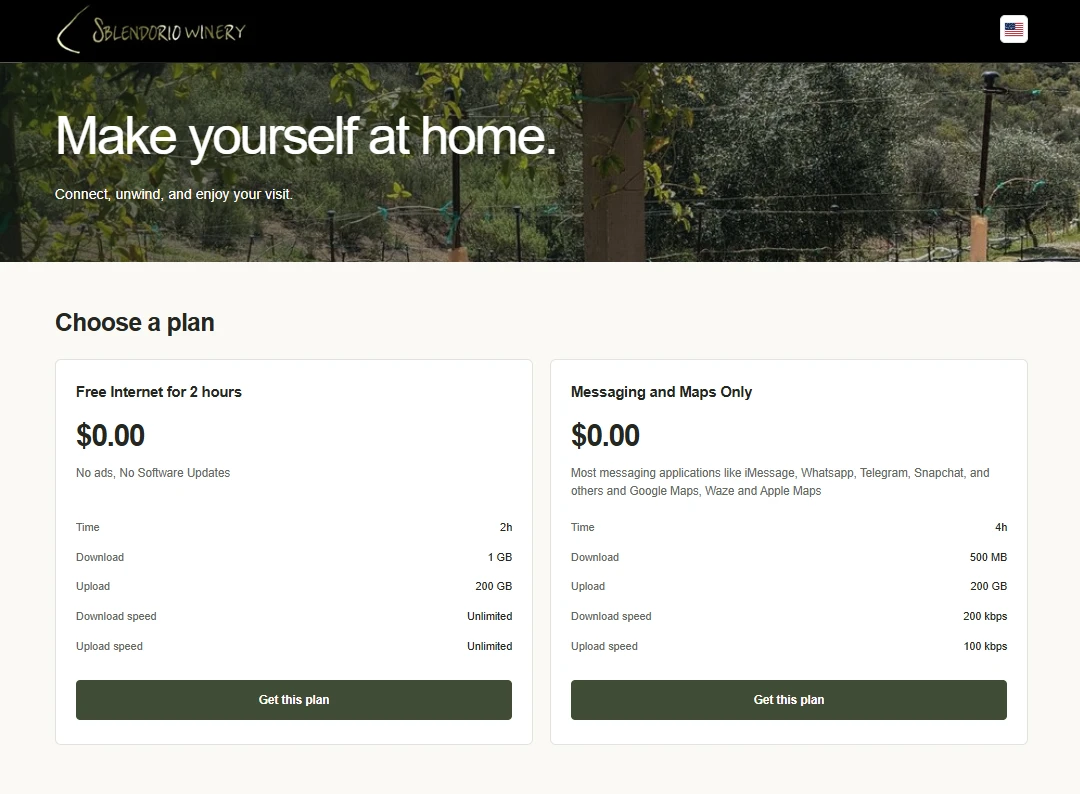
Give visitors a recognizable, branded place to connect instead of an unexplained login screen.
For venues, hospitality & guest networks
Guest Wi-Fi & Captive Portal
Make your guest Wi-Fi work for your venue. Combine application policies, speed limits, data allowances and access duration into plans and tiers—then welcome guests through your branded portal.
UAC · User Access Control · Included with NetCollab hardware
 View full screenshot
 Give visitors a recognizable, branded place to connect instead of an unexplained login screen.
Combine different limits and permissions into tiers, from fair-use complimentary access to paid upgrades with more freedom.
Accept payments through Stripe or give guests access with vouchers. Shape the offer around a stay, a visit or a purchase.
A welcome that feels like you
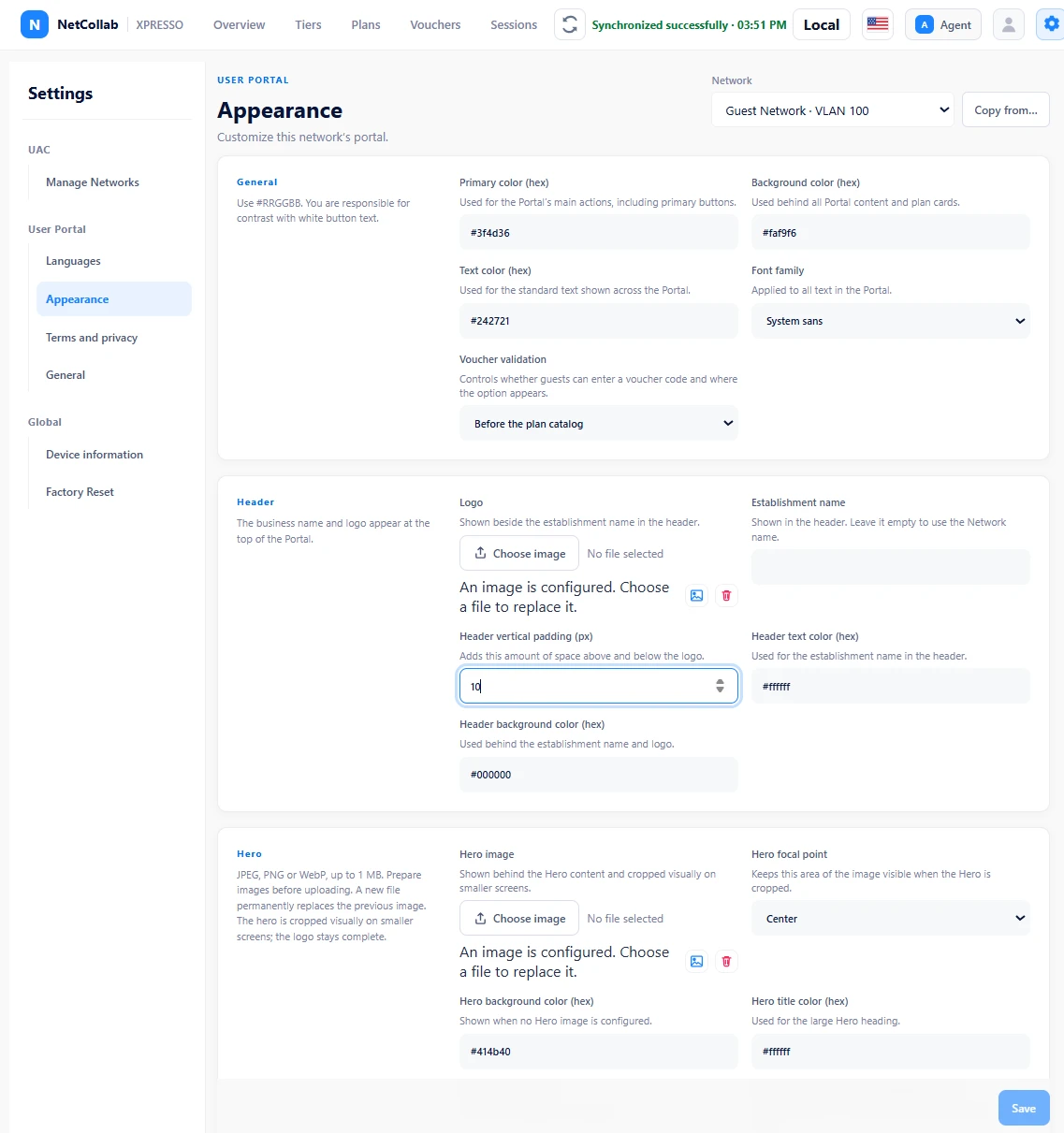
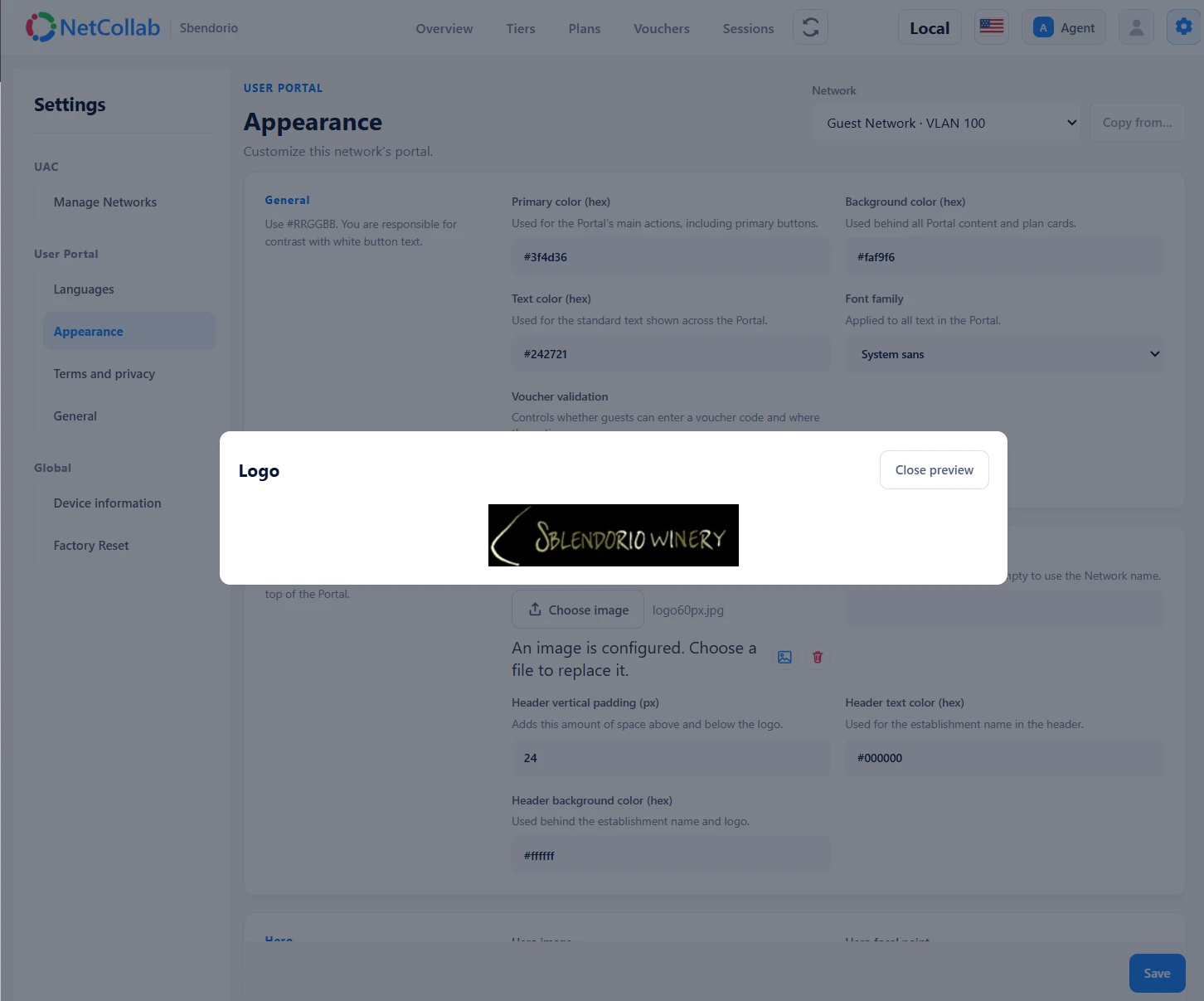
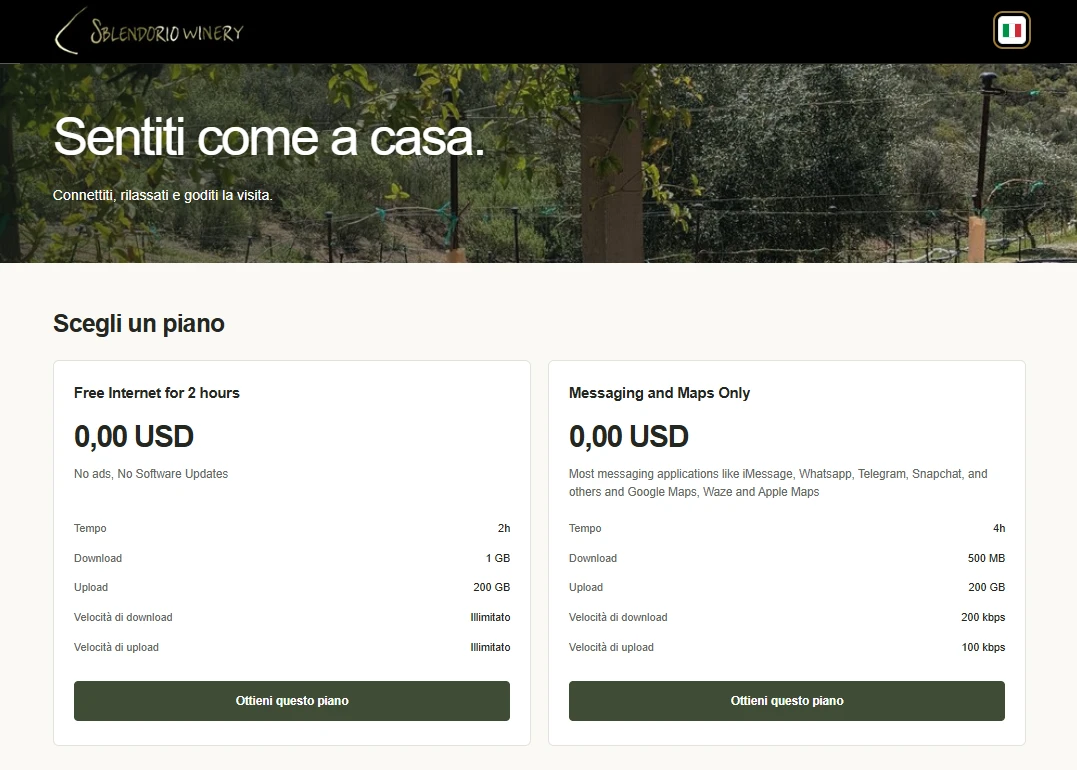
Personalize your captive portal with your own branding, logo and colors. Shape the welcome with your choice of typography, header and hero image, so connecting to Wi-Fi feels like part of your venue.
 View full screenshot
  View full screenshot
 Flexible plans are the difference
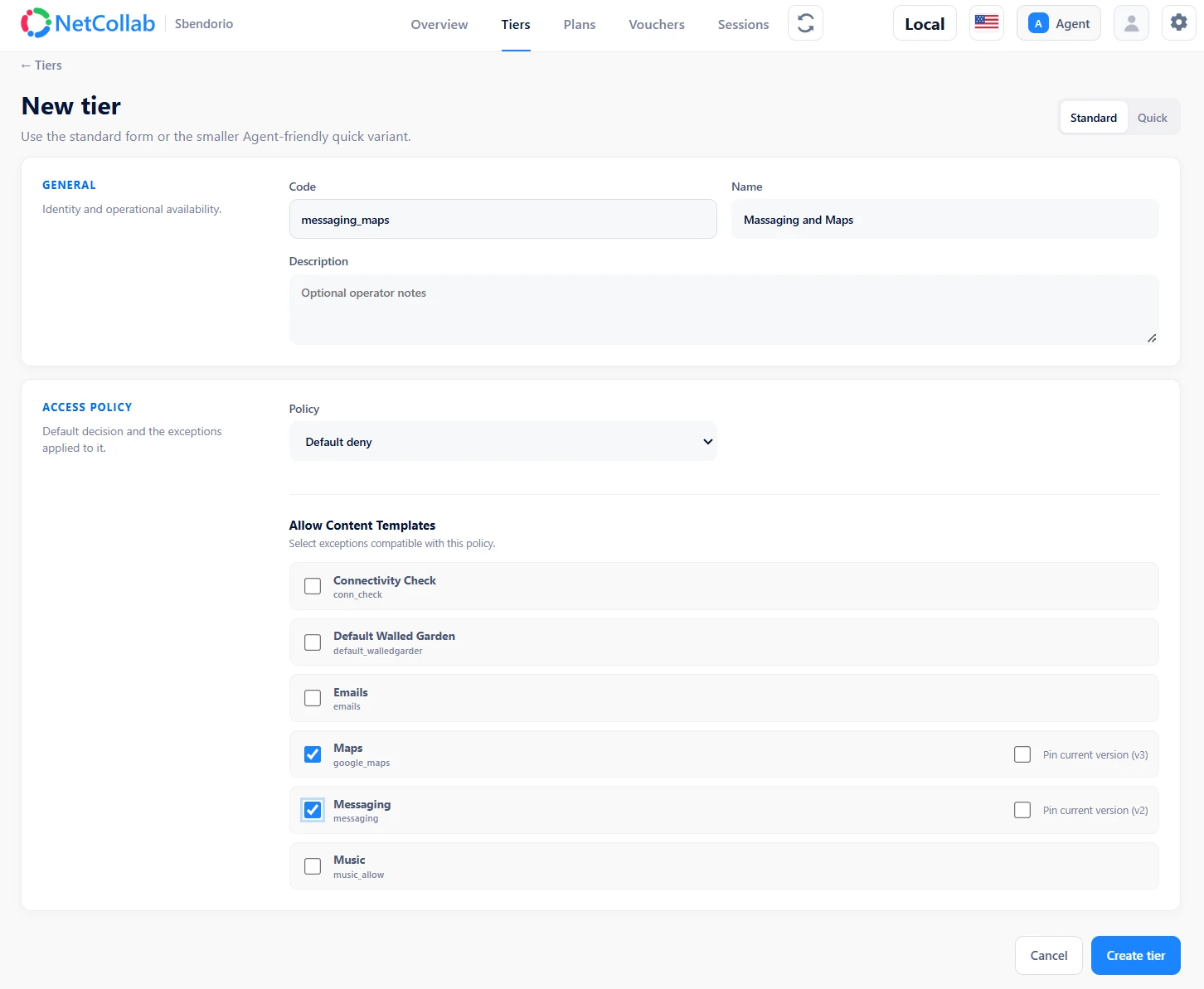
Build your own mix of plans and tiers instead of offering everyone the same connection. Combine application policies, throughput limits, data allowances and access duration to balance complimentary service with paid upgrades.
 View full screenshot
 Example configurations to adapt to your connectivity, guests and business—not fixed packages.
Offer a complimentary plan with fair-use speed and data limits. Restrict software updates and ads, and streaming where bandwidth is especially scarce. Offer paid tiers with more bandwidth, more usage and fewer restrictions.
Offer 30 or 60 minutes of complimentary Wi-Fi. Guests can then buy more access or redeem another voucher provided with a purchase. Keep free access fair and aligned with customer purchases.
Offer complimentary access to supported messaging and map services, with broader access in other tiers. Focus scarce bandwidth on essential everyday connectivity.
Welcome an international audience
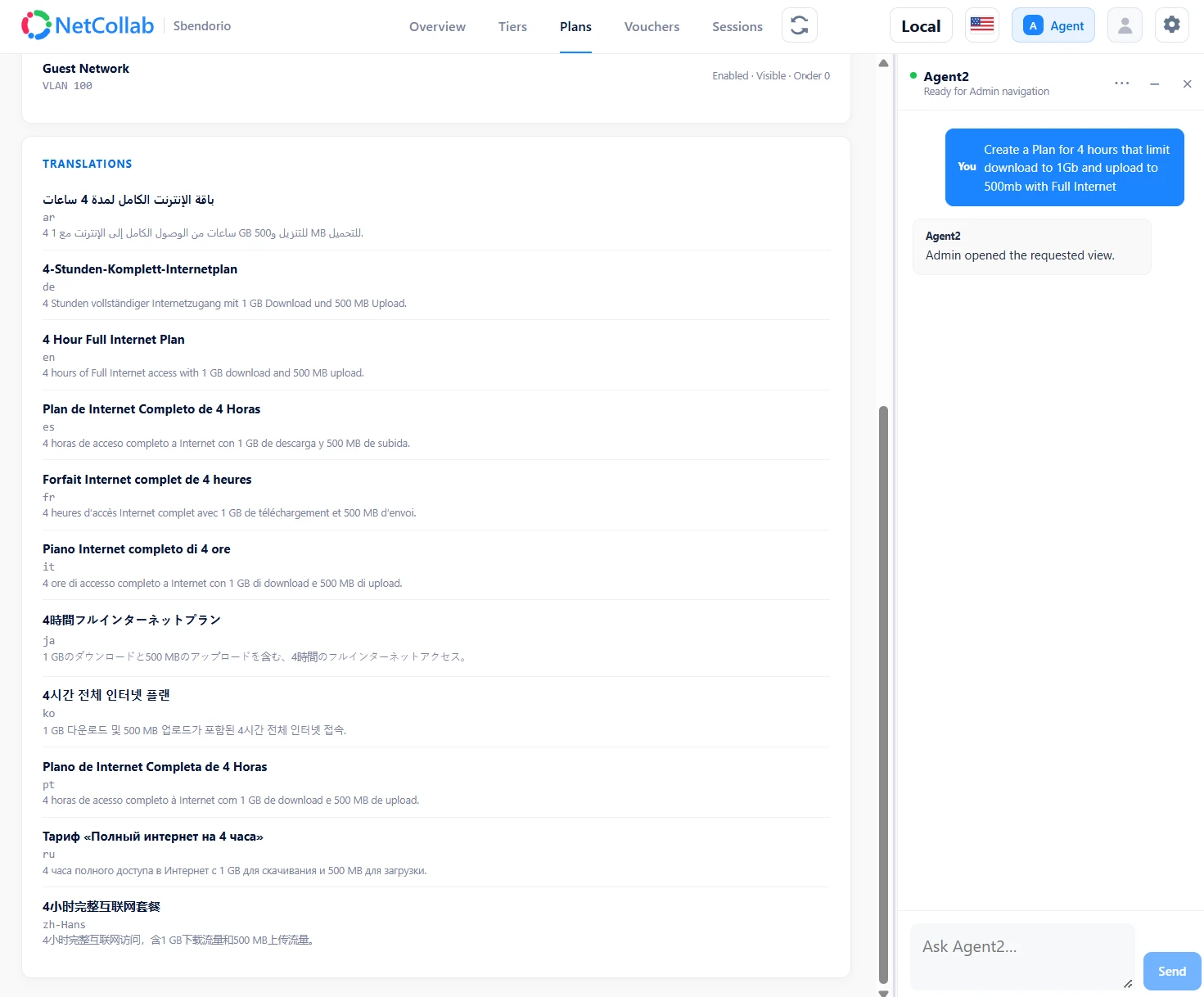
The guest portal supports 11 languages. Use AI to automatically translate your plan content, then review the wording so guests can understand the access you offer.
 View full screenshot
  View full screenshot
 Paid access or a welcome on the house
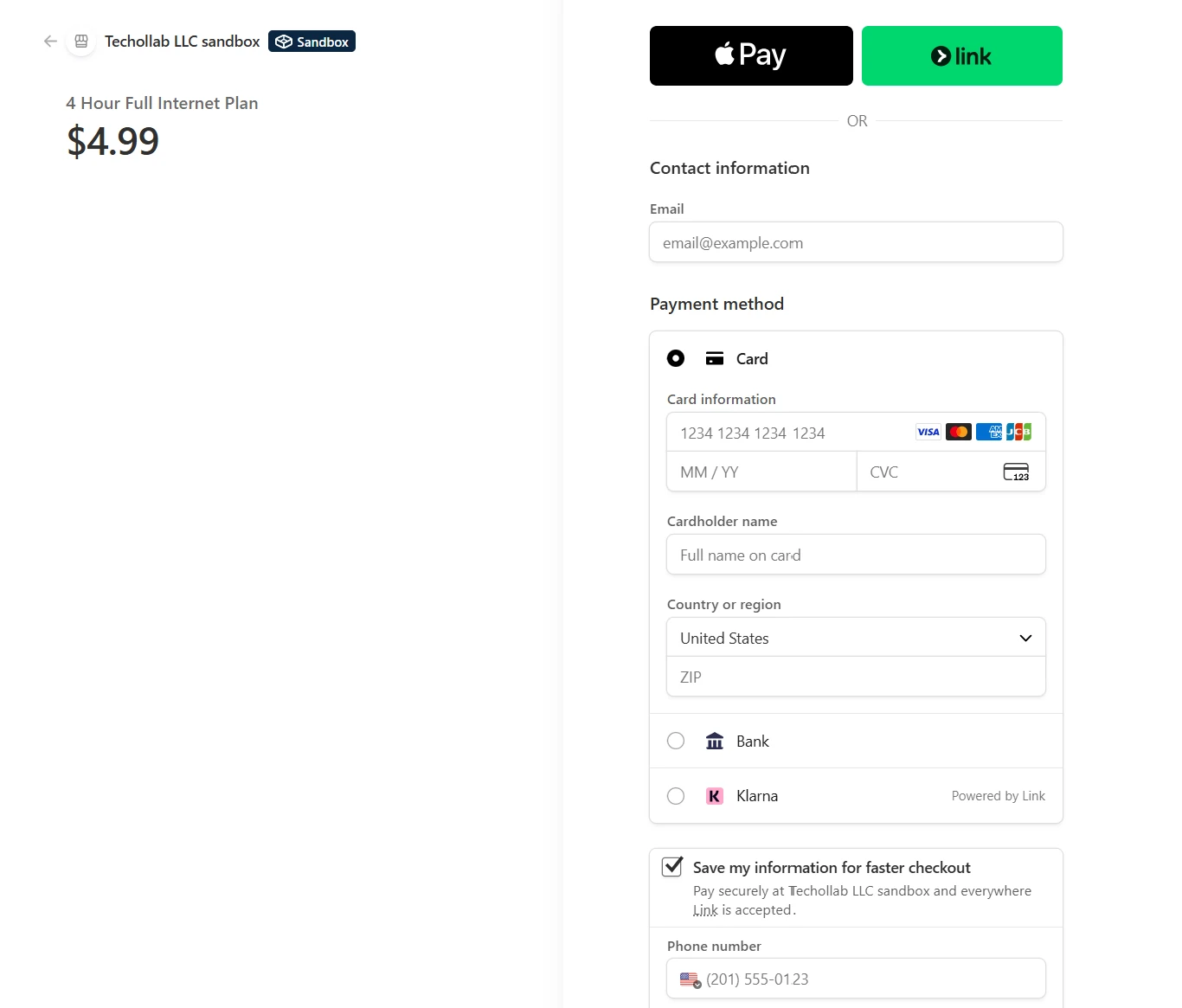
Offer paid plans through Stripe, or use vouchers to grant guest access. Connect the Wi-Fi offer to how you serve customers, from complimentary access with a purchase to an optional upgrade.
 View full screenshot
 Assistance inside the workflow
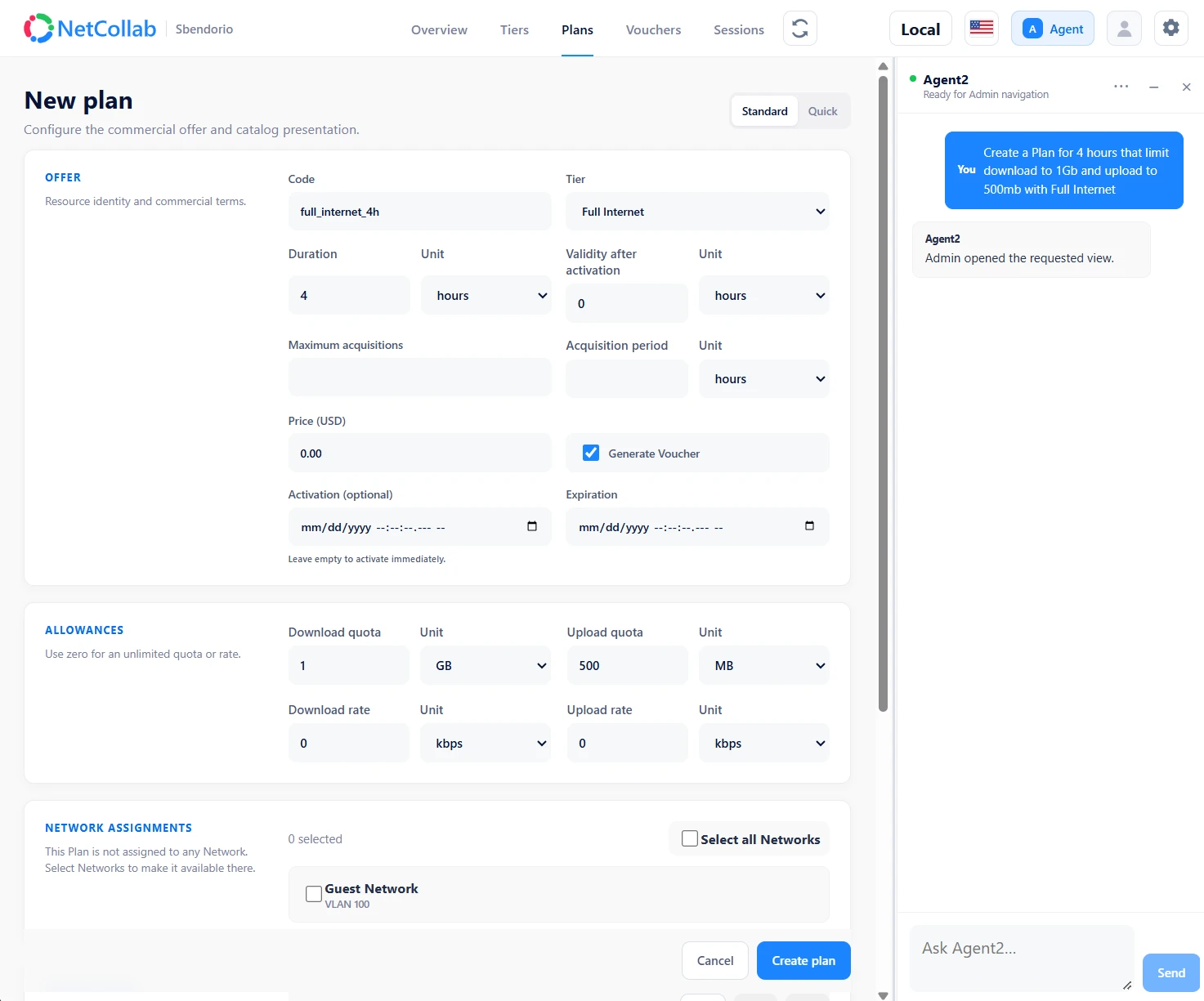
See how the AI Agent fits into your guest-access workflow in a guided product demonstration. Explore its supported tasks with your venue’s needs in mind.
 View full screenshot
 Two roles included. Room to grow.
NetCollab hardware includes both Guest Wi-Fi & Captive Portal and Network Monitoring & QoX. A slot runs one configured node role; the number of slots determines what you can run at the same time.
Choose one role at a time. Both role options are included with the device.
One UAC + three monitoring roles, or four monitoring roles. These are confirmed configuration examples.
Meet NetCollab Central
Explore facility maps, network diagrams, reports and diagnostics in Central—a separate management and reporting product available in the cloud or on your own network.
Explore NetCollab CentralBuild around your network
Choose your hardware, explore pricing, and discuss your use case with us.